
TL;DR: An AI gateway is a central layer between your applications and AI models that controls access, manages traffic and failover, tracks spending, enforces security policies, and logs usage. It’s worth adopting when teams keep rebuilding the same controls, can’t easily answer who uses which models or what they cost, or need a consistent audit trail. A gateway shows how AI is used, but not whether it improves engineering outcomes, so organizations still need a way to connect AI spending to results.
Considering an AI gateway? Start here.
As more teams build with AI, numerous questions get harder to answer: Who has access to which models? Where is company data going? What are we spending—and on what? Meanwhile, a provider outage can bring several applications to a halt. AI gateways offer a shared way to manage many of these challenges, but their capabilities vary, and not every organization needs one.
This article explains what AI gateways do, how to tell whether you need one, and where their limits are. Let’s dive in.
What does an AI gateway do?
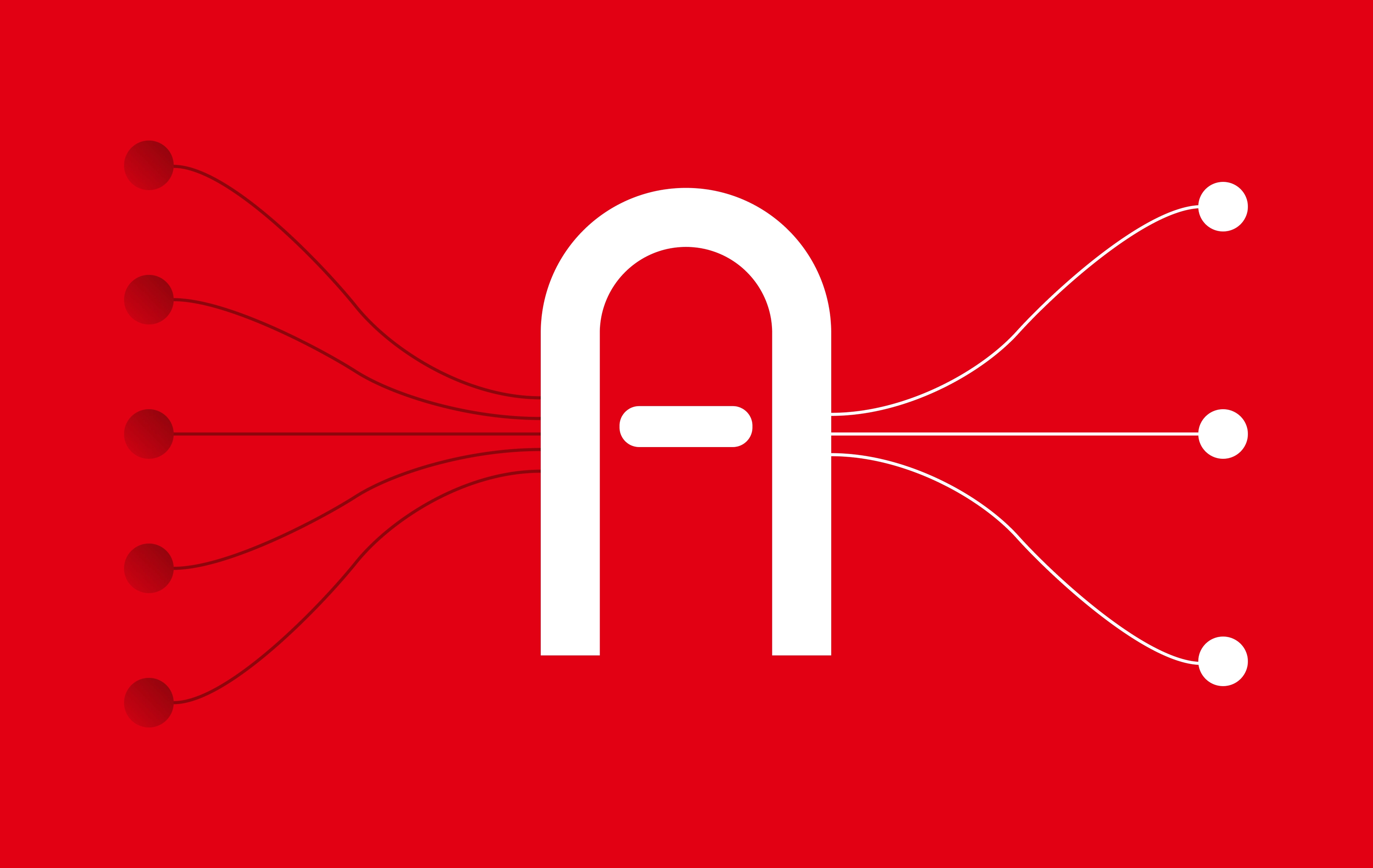
An AI gateway sits between your applications and the AI models they use. It gives teams a shared entry point for model requests and gives engineering leaders a consistent way to manage access, reliability, cost, and security as adoption grows.
While capabilities vary by product, most AI gateways support five core functions: access control, traffic management and reliability, cost tracking and controls, security policy enforcement, and monitoring and auditing.
Control access
An AI gateway authenticates applications and agents, manages provider credentials centrally, and determines which teams can use which models. For example, a team might have access to inexpensive models for development, while production applications can use a broader approved set. Centralizing access makes credentials easier to rotate and permissions easier to revoke.
Tip: Give each application or agent its own identity so you can trace usage and revoke access without disrupting others.
Manage traffic and reliability
To keep requests flowing, an AI gateway applies rate limits and handles retries or failover when a provider becomes unavailable. It can also direct simpler tasks to less expensive models. These choices affect application behavior: an alternative model may produce different answers, lack a required feature, or take longer to respond.
Tip: Define and test acceptable fallbacks for each workload. Set limits on retries and total response time so a provider failure does not turn into a long wait or an unexpectedly large bill.
Track and control spending
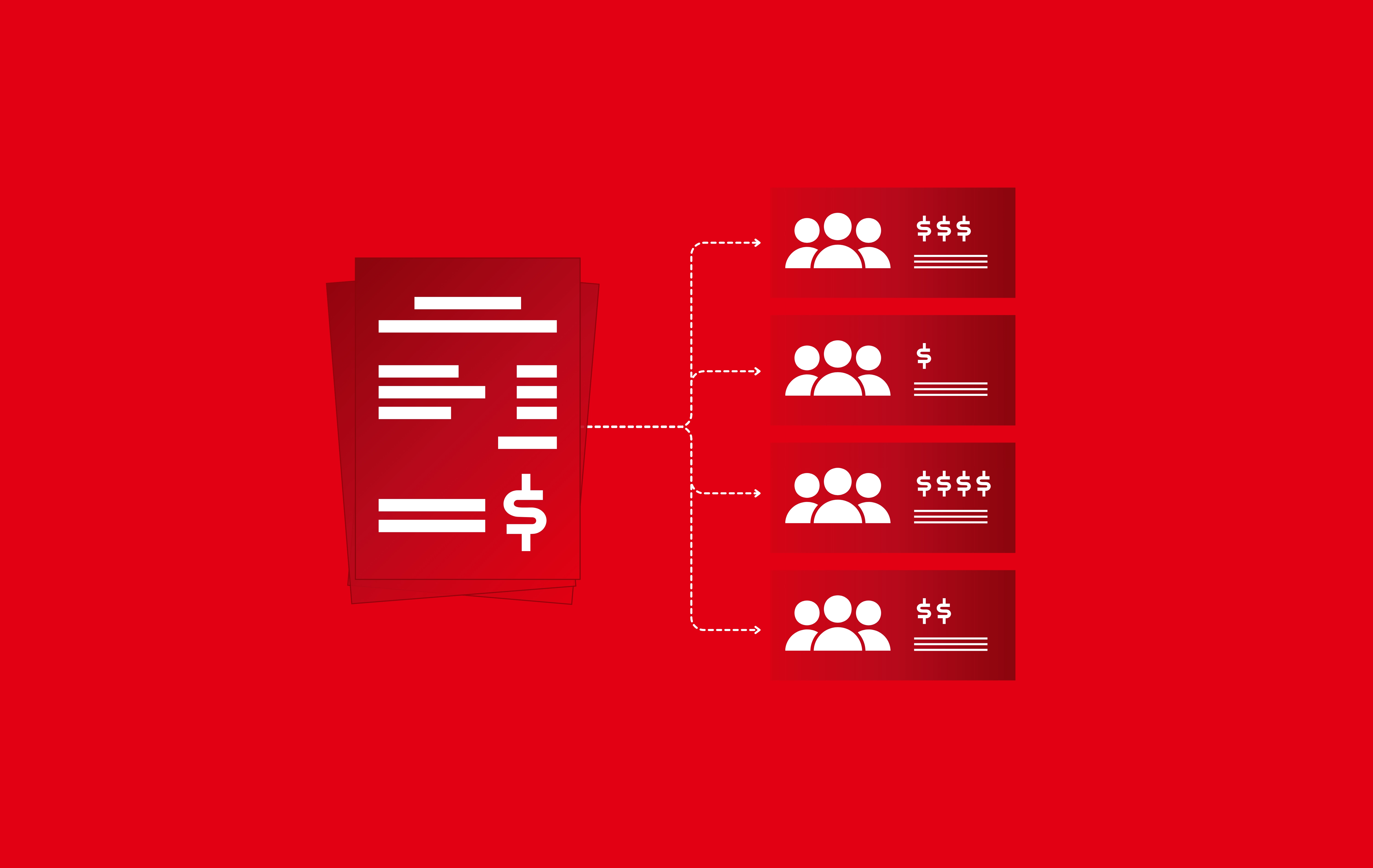
By tracking usage and costs, an AI gateway shows how much each team, application, or project spends. This helps leaders distinguish healthy adoption from inefficient model choices or a malfunctioning agent making repeated calls. Budgets, quotas, and alerts provide different levels of control, from notifying an owner to stopping further requests.
Tip: Decide what should happen when a budget is reached: notify the owner, switch to an approved lower-cost model, or pause requests. Make that behavior explicit before a limit is hit.
Apply security policies
An AI gateway provides a common place to restrict providers and models, detect or redact sensitive data, and apply supported content filters or output checks. Regional routing can also support data residency requirements, although provider storage and processing terms still need review. These controls add protection, but they can miss sensitive information or block legitimate requests.
Tip: Test policies before rolling them out broadly. Include sensitive content that should be blocked and legitimate requests that should pass, so you can catch both gaps in protection and overly restrictive rules.
Make usage visible
Central metrics and audit records show which applications or agents made requests, which models they used, how long responses took, and what they cost. This helps teams investigate failures and compare provider performance. Gateway metrics show operational behavior, but application-level evaluation is still needed to tell whether answers are useful and correct.
Tip: Set alerts for rising error rates, slower responses, and unusual usage—and assign an owner to each. A dashboard is only useful if someone knows when to act.
Some AI gateways offer additional capabilities beyond these core functions:
Cache responses
Reusing previous responses lets an AI gateway reduce cost and latency. Some products also match prompts with similar meanings. Caching works best when answers remain valid over time; it requires more care when responses depend on personal data, user permissions, or changing information.
Tip: Start with frequently repeated requests whose answers are safe to reuse across users. Set an expiration time so cached responses don’t outlive the information they contain.
Govern MCP and tool access
Some AI gateways also govern agent tool calls through the Model Context Protocol (MCP). They can restrict which tool servers an agent can reach and record its interactions. This extends oversight beyond model responses to the systems agents use, although detailed permissions may still need to be enforced by each tool or application.
Tip: Set permissions for specific actions, not just access to a tool. An agent allowed to look up a customer record should not automatically be allowed to change or delete it.
The main benefit is consistency: teams can build on shared controls instead of maintaining them separately in every application. Because the gateway becomes part of the request path, its availability and performance also become part of your AI applications’ reliability.
How do you know if you need an AI gateway?
You don’t need an AI gateway simply because you use multiple models. It becomes worth considering when managing AI separately across applications creates repeated work, gaps in oversight, or problems that affect the business.
Look for these signs:
- Teams keep solving the same problems. Each new AI application requires another round of credential management, retry logic, logging, and spending controls.
- Basic questions take too long to answer. Finding out who uses a model, what a project spends, or which provider receives sensitive data requires chasing several teams.
- Rules exist, but you can’t verify they’re followed. You have approved models and data-handling policies, yet each application implements them differently.
- Provider issues repeatedly disrupt your applications. Teams scramble when rate limits or outages occur, and changing providers requires updates across several codebases.
- Agents are gaining more access than you can comfortably oversee. You need a consistent way to review which systems they can reach and what they do there.
One serious requirement—such as a mandatory audit trail—may justify a gateway on its own. In other cases, the strongest signal is several of these problems appearing across teams.
If your setup is small and easy to manage, the tools your AI provider already offers may be enough. Before adding a gateway, identify the specific problems it would solve and weigh that benefit against its cost, added latency, and maintenance needs.
What are the limits of an AI gateway?
An AI gateway helps manage AI access and usage, but it doesn’t give leaders the full picture. Three gaps remain:
From AI governance to AI ROI
If you’re considering an AI gateway to control access, manage spending, or improve reliability, consider whether you’ll also need to understand what that spending delivers, which models perform best on your teams’ work, and where changes could improve cost without sacrificing quality.
A solution like Faros helps companies improve AI ROI by connecting spending with engineering outcomes and evaluating model and agent configurations on their own work. Then, a gateway helps put those findings into practice through model routing, access rules, and spending controls. Companies can use Faros Gateway or keep the gateway they already use—making governance part of a broader approach to improving AI results.
Reach out for a demo to learn more.
FAQs
What’s the difference between an AI gateway and an API gateway?
An AI gateway differs from an API gateway in that it adds controls built for AI models. An API gateway handles general service traffic: routing, authentication, and rate limiting. An AI gateway adds failover between model providers, cost tracking by team or project, sensitive-data redaction in prompts, and governance of agent tool access.
Does an AI gateway add latency?
An AI gateway adds a small amount of latency, because every request goes through it. Caching and routing simple tasks to faster models can make up for some of that. Since the gateway is in the request path, its availability also affects your AI applications’ reliability.
Can an AI gateway prevent sensitive data from reaching AI providers?
An AI gateway can reduce the risk of sensitive data reaching AI providers by detecting and redacting it, and by restricting which providers and regions receive requests. Detection isn’t perfect: it can miss sensitive information or block valid requests, so test policies against both before rolling them out.
Can an AI gateway control what AI agents do?
Some AI gateways can control what AI agents do through the Model Context Protocol (MCP). They restrict which tool servers an agent can reach and log its activity. Detailed permissions, such as allowing an agent to read a record but not delete it, usually still have to be enforced by each tool.
Does an AI gateway cover coding assistants and AI features in SaaS tools?
An AI gateway covers coding assistants and AI features in SaaS tools only if their requests go through it. Many of these products connect to their providers directly, which leaves gaps in your view of AI adoption and spending.
Can an AI gateway measure the ROI of AI?
An AI gateway can’t measure the ROI of AI on its own. It shows usage, cost, and response times, but not whether AI helps engineers ship faster or improves code quality. Measuring ROI means connecting AI usage data with engineering workflow and outcome data.
What happens when an AI gateway hits a budget limit?
What happens when an AI gateway hits a budget limit depends on how you set it up. Common options are notifying the owner, switching to a cheaper approved model, or pausing requests. Choose the behavior before a limit is reached.
Do small teams need an AI gateway?
Small teams usually don’t need an AI gateway. If you use one provider and a few applications, the provider’s built-in key management, usage dashboards, and spending limits may be enough. A gateway starts paying off when several teams are rebuilding the same controls on their own.