Know your burn
Do more with the AI you already pay for
Visualize and track work across all your agents, extend your AI spend, and coordinate tasks intelligently. Your prompts never leave your machine. Free to download. No credit card or login required.
INTRODUCING FAROS DESKTOP
A free app that helps your AI spend go further
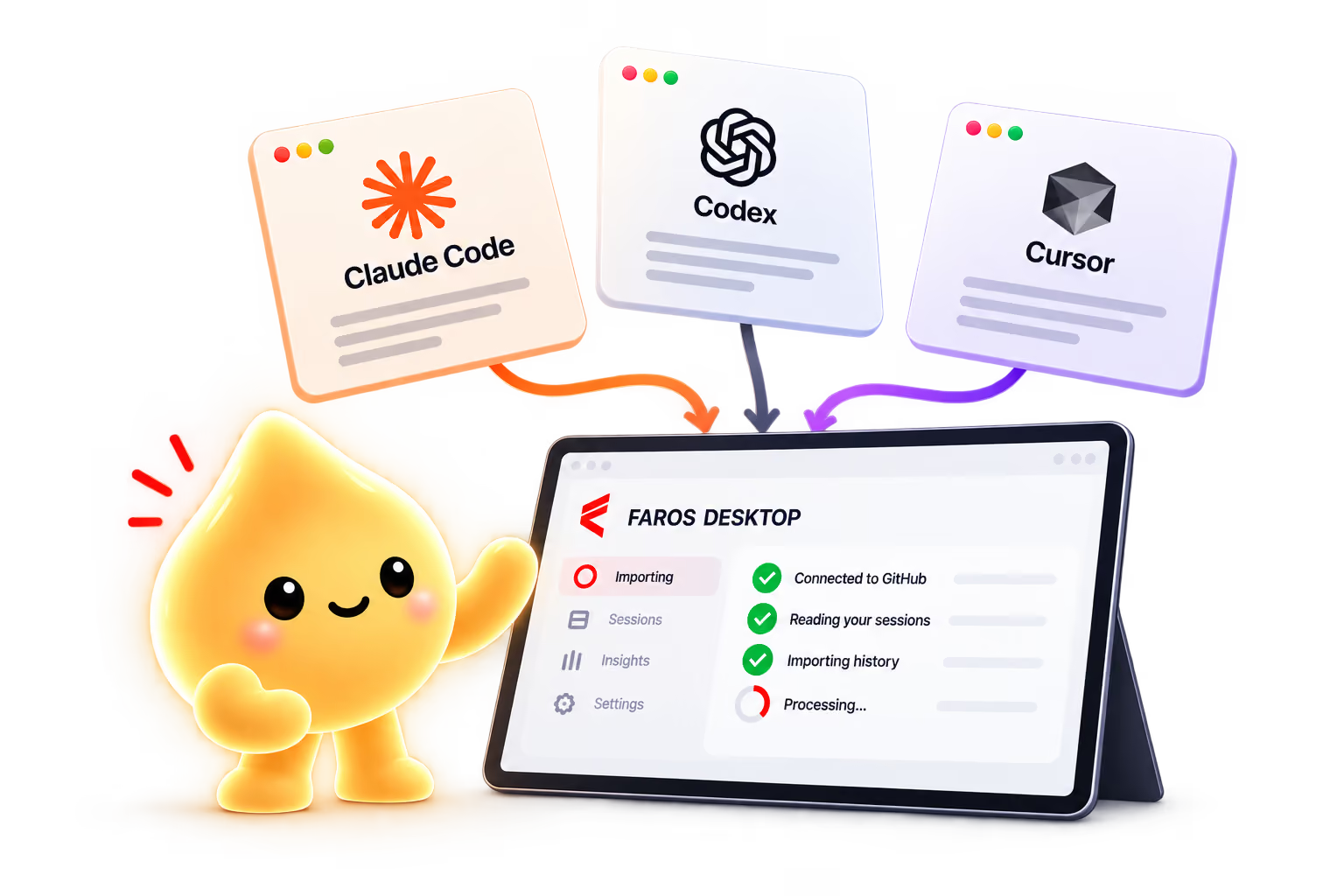
Faros Desktop works alongside the AI tools that you already use.
DIVE INTO THE DETAILS
Maximize every token of your AI spend
Track your work
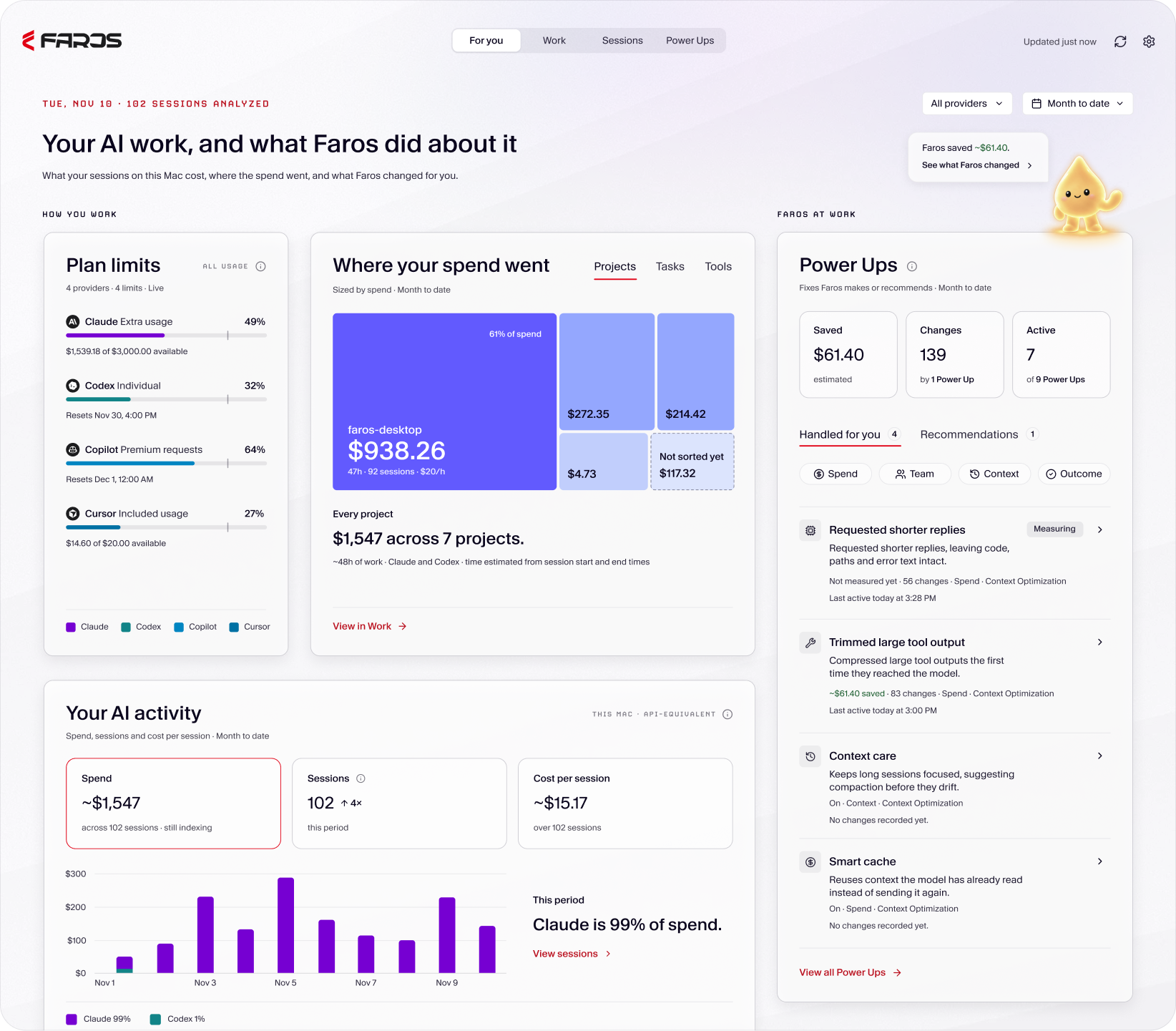
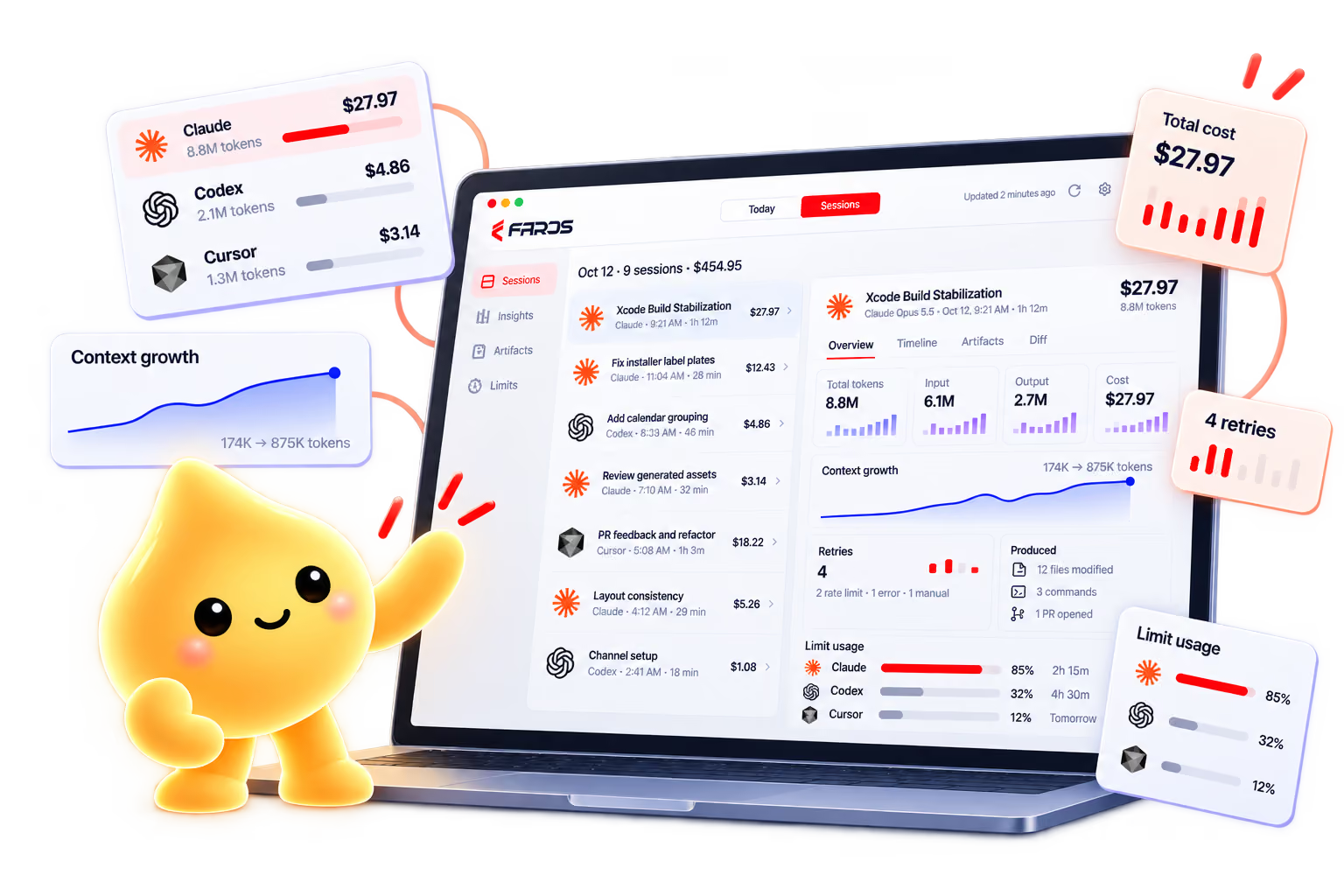
- All your AI session history, across different agents, in one place
- Ability to search through sessions to find your work, and the specific artifacts they produced
- Session trails give you details into your workflow, and the artifacts your work produced
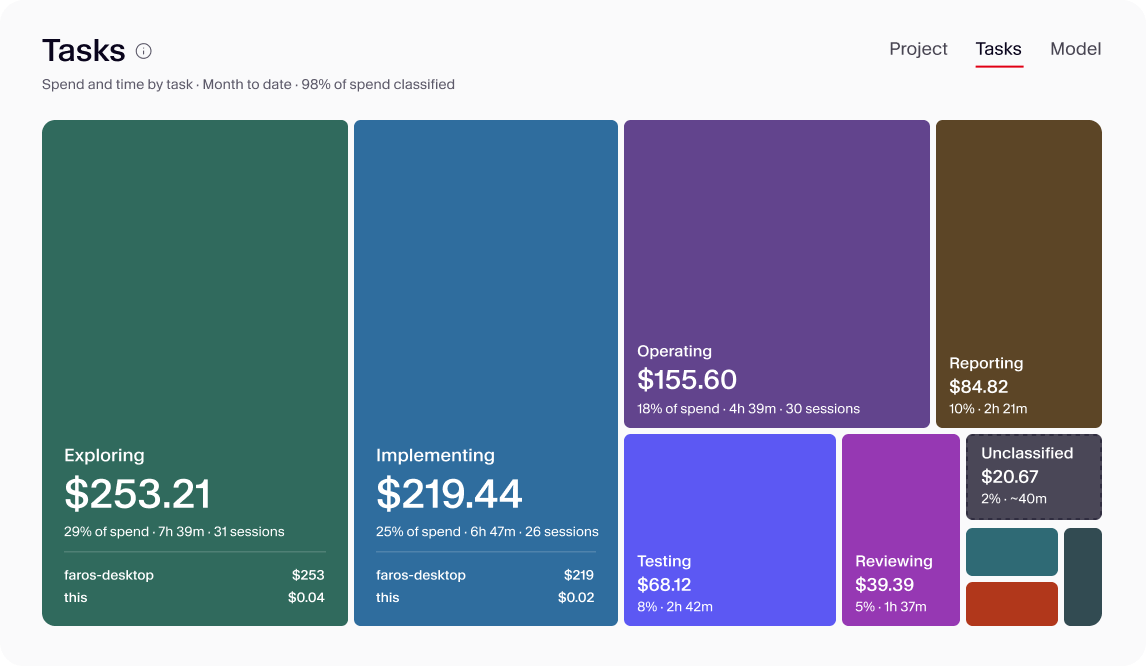
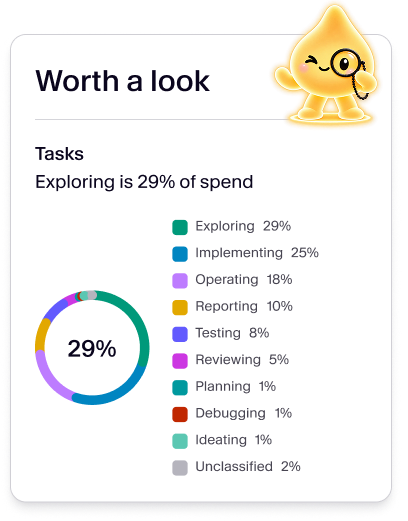
- Understand your AI consumption including cost of each artifact/PR, and spend by project, task, or model
Extend your quota
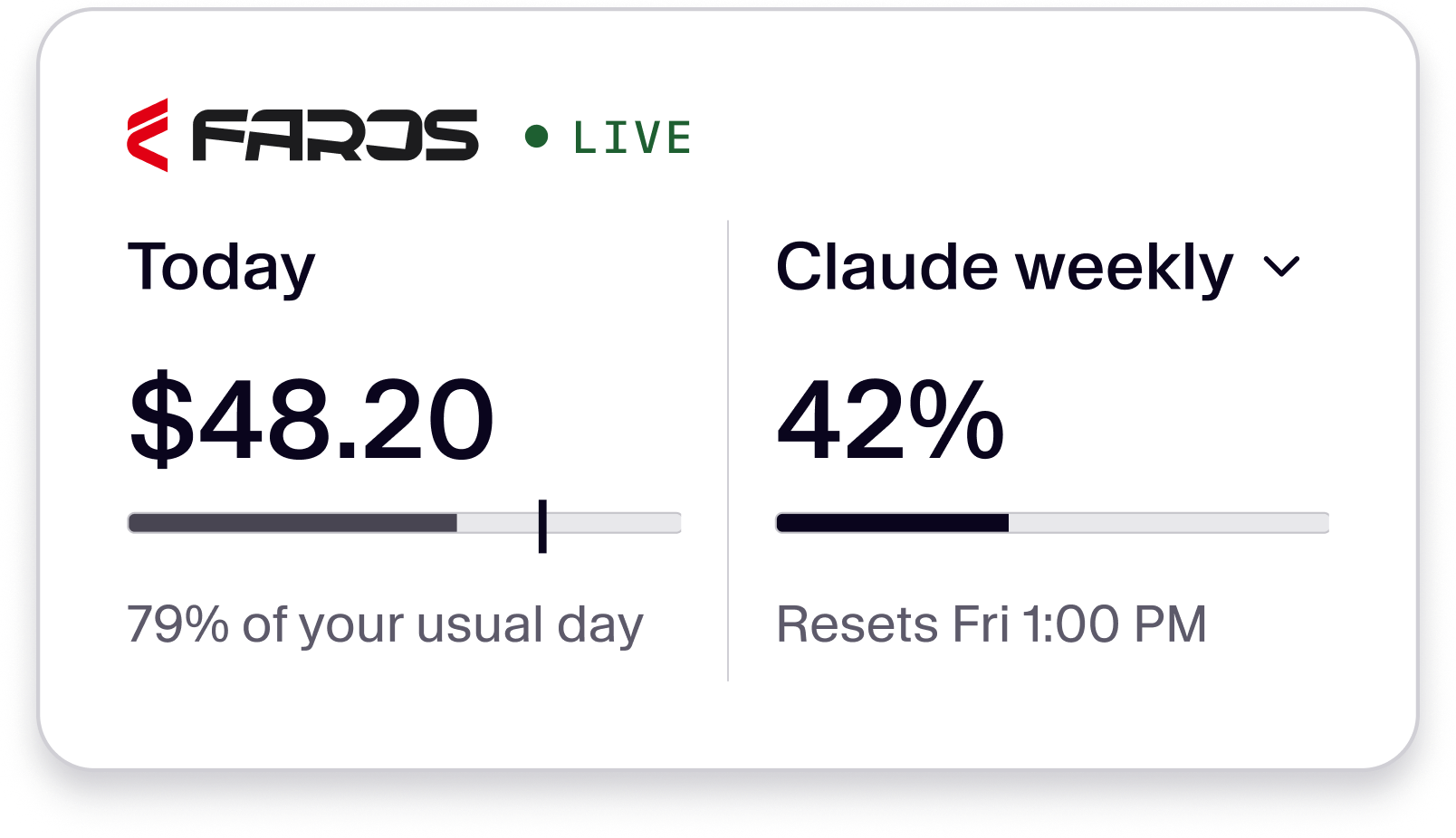
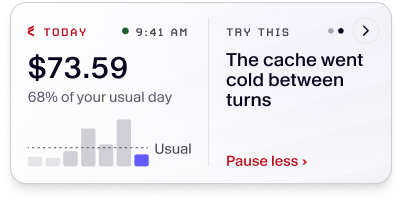
- Up-to-date tracking of your AI usage against your daily and monthly limits
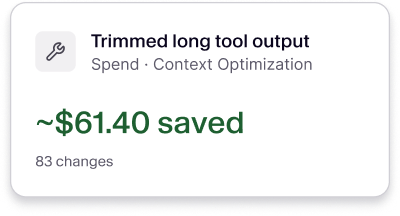
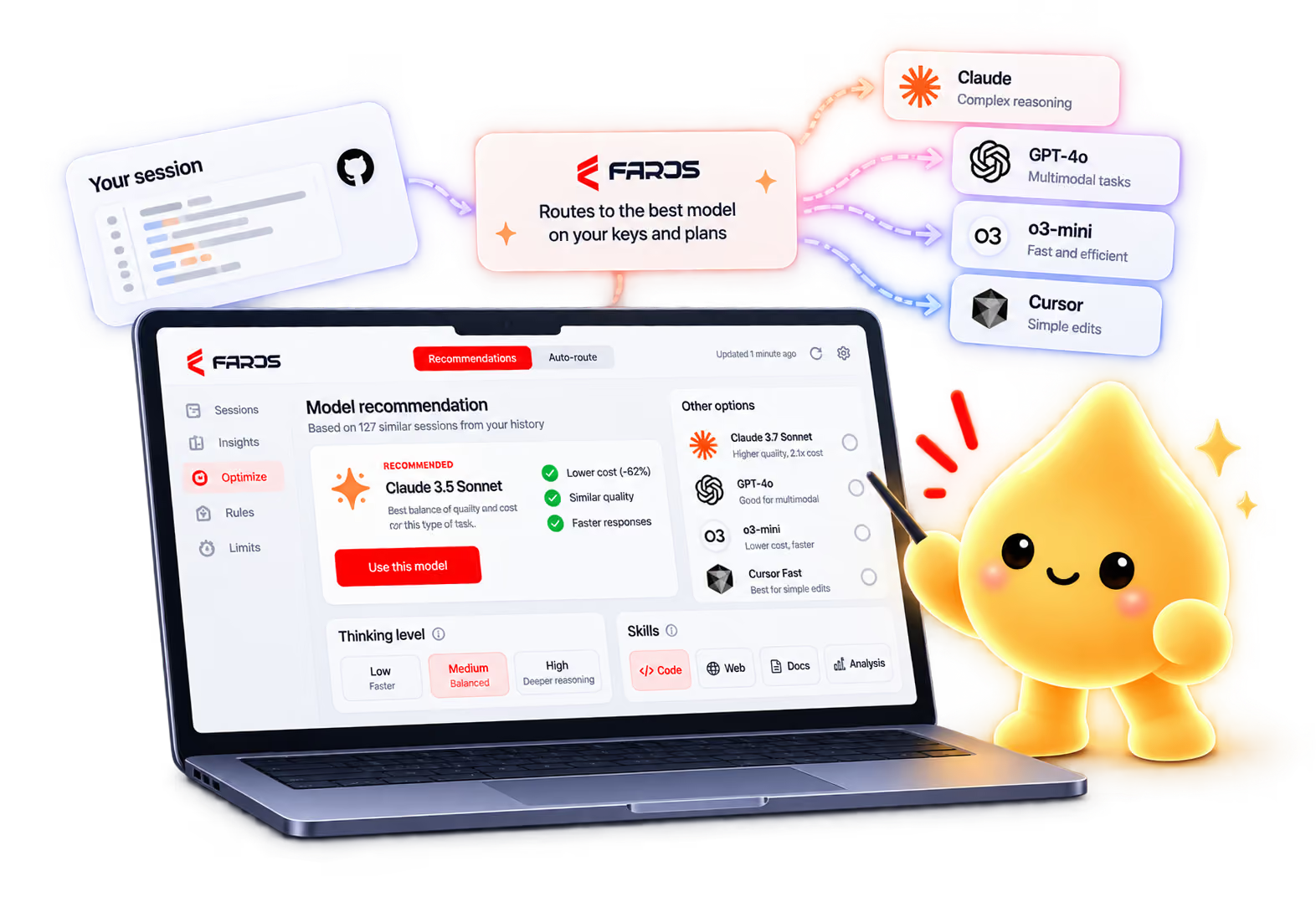
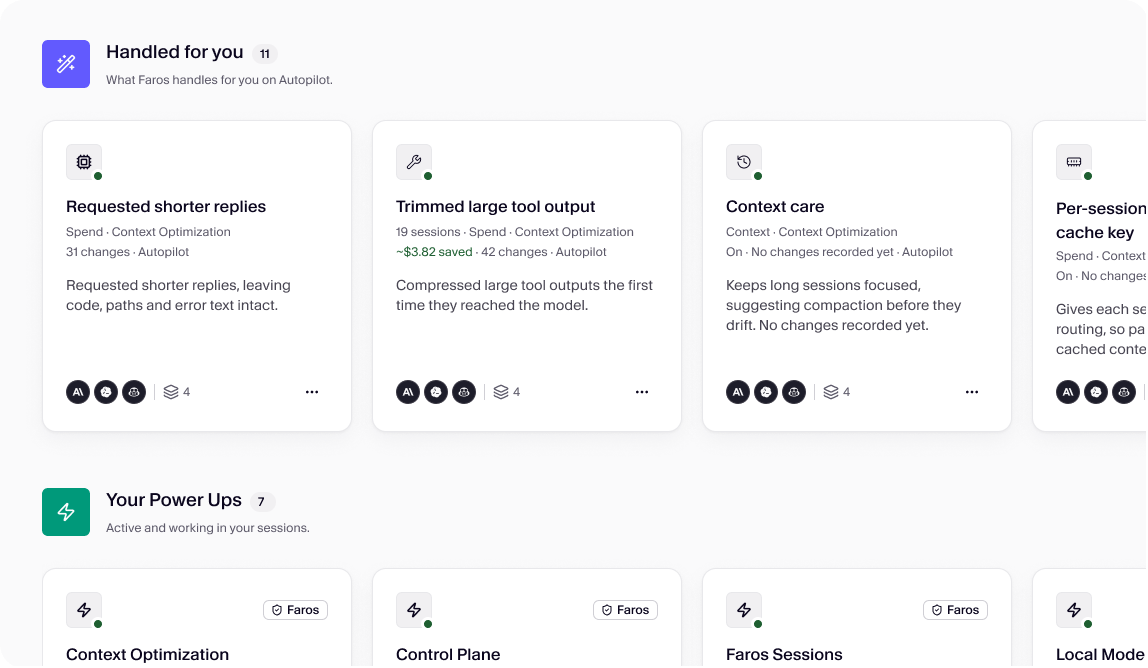
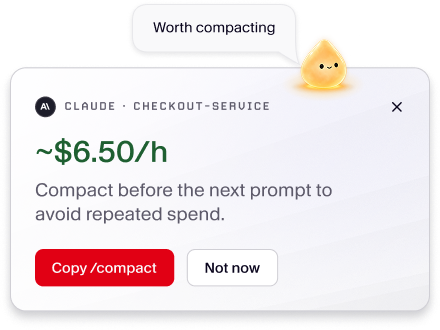
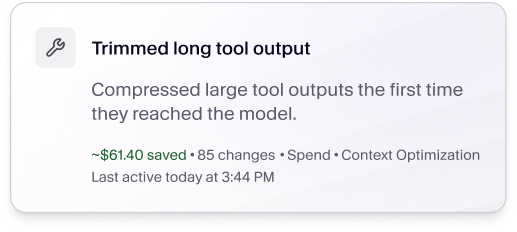
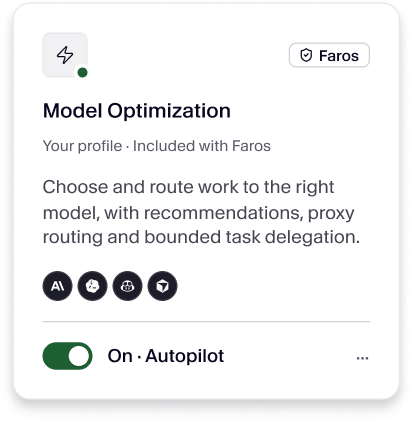
- Built-in optimization techniques for saving token cost in your sessions (e.g. session compaction or routing to different models based on task complexity)
- Apply select optimizations manually or set them on autopilot, for handsfree savings
Deliver better outcomes, faster
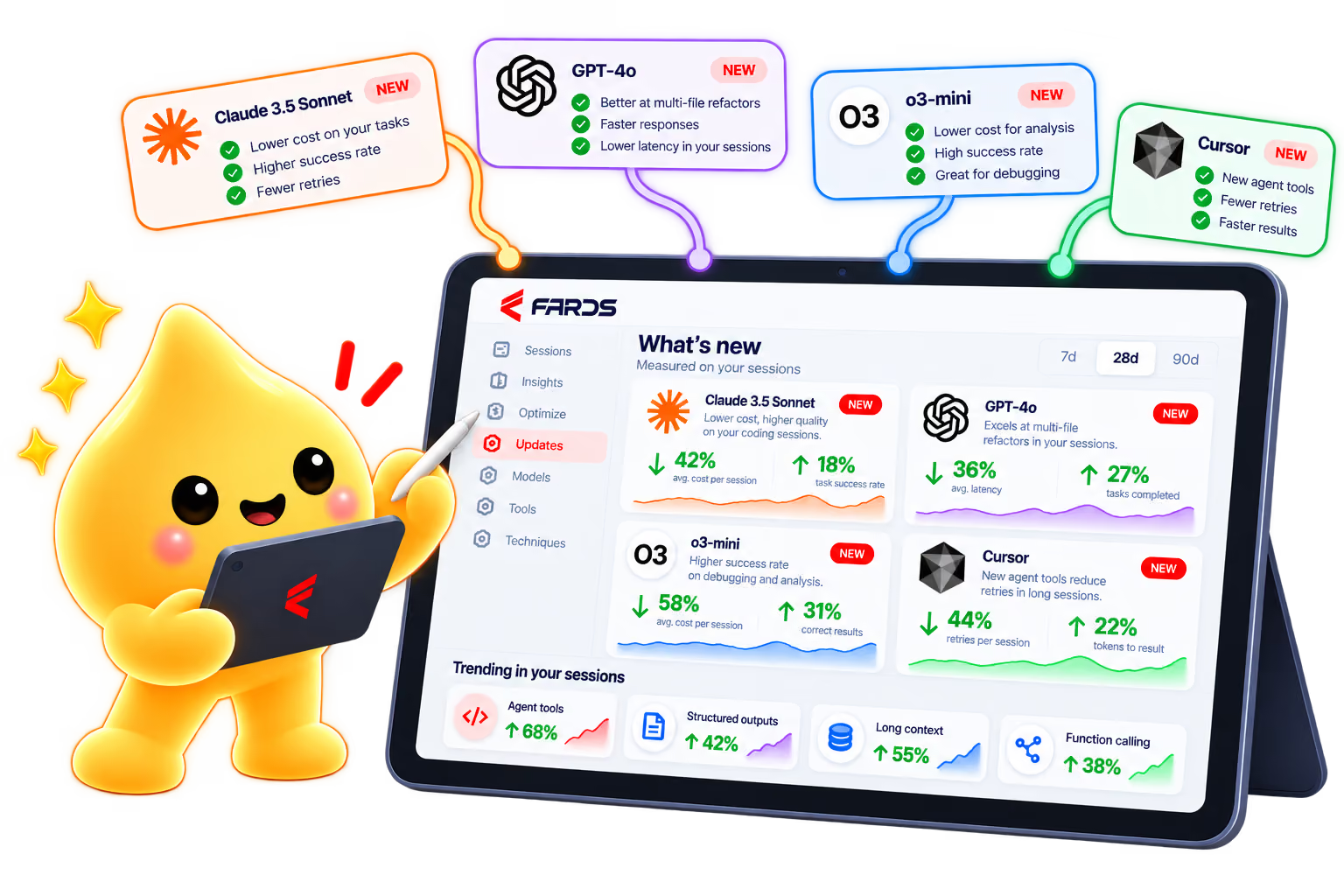
- Pre-built library of skills, tools, and rules that improve the quality of your AI output, and reduce rework
- Select manually, or leverage recommendations tailored to your specific set of tasks
- Skills and tools continuously expanded by the Faros AI research team



Get your agents working together
- See work across all your agents from a single console, so you can work across different AI tools without friction
- Shift tasks between agents, complete with the context, in a few clicks (e.g. from an agent without credits to one with more available capacity)
- Route work to subagents with the right skills and thinking level
- Get different agents to review each other’s work (e.g. code in Claude, then review in Codex)
SAFETY ALWAYS
Built by a security-first company
Faros is built to enterprise-grade standards and is SOC 2 Type II, ISO 27001, and GDPR compliant. Your prompts never leave your machine. Learn more about security practices.




WORKS WITH
Works alongside the tools you already use
Install once. Faros Desktop picks up every supported harness on the machine, and a background agent keeps reading sessions even when the window is closed.
Claude Code | Anthropic models
Codex | OpenAI models
Cursor | any model it runs
GitHub Copilot | any model it runs


Claude Code
Anthropic models

Codex
OpenAI models

Cursor
any model it runs
What do you want to see?
Join our Discord channel and tell us what you need.
FAQS
Questions builders ask us first
Why is Faros providing the Desktop for free?
Are my prompts sent to Faros?
Which AI tools does Faros Desktop work with?
Will Desktop change my settings or route my work without asking?
Is the spend that Faros Desktop shows my actual bill?
Where can I get help?